- Python 50.7%
- Jupyter Notebook 46.5%
- Smarty 1.1%
- Dockerfile 1.1%
- Makefile 0.5%
- Other 0.1%
| Filename | Latest commit message | Latest commit date |
|---|---|---|
| .github/ISSUE_TEMPLATE | ||
| ansible_kernel | ||
| docs | ||
| notebooks | ||
| openshift | ||
| tests | ||
| .flake8 | ||
| .gitignore | ||
| .travis.yml | ||
| CHANGELOG.md | ||
| CODE_OF_CONDUCT.md | ||
| CONTRIBUTING.md | ||
| Dockerfile | ||
| Dockerfile.dev | ||
| LICENSE.md | ||
| Makefile | ||
| MANIFEST.in | ||
| Pipfile | ||
| ProjectProposal.md | ||
| PULL_REQUEST_TEMPLATE.md | ||
| README.md | ||
| RELEASE.md | ||
| ROADMAP.md | ||
| setup.cfg | ||
| setup.py | ||

Ansible Jupyter Kernel


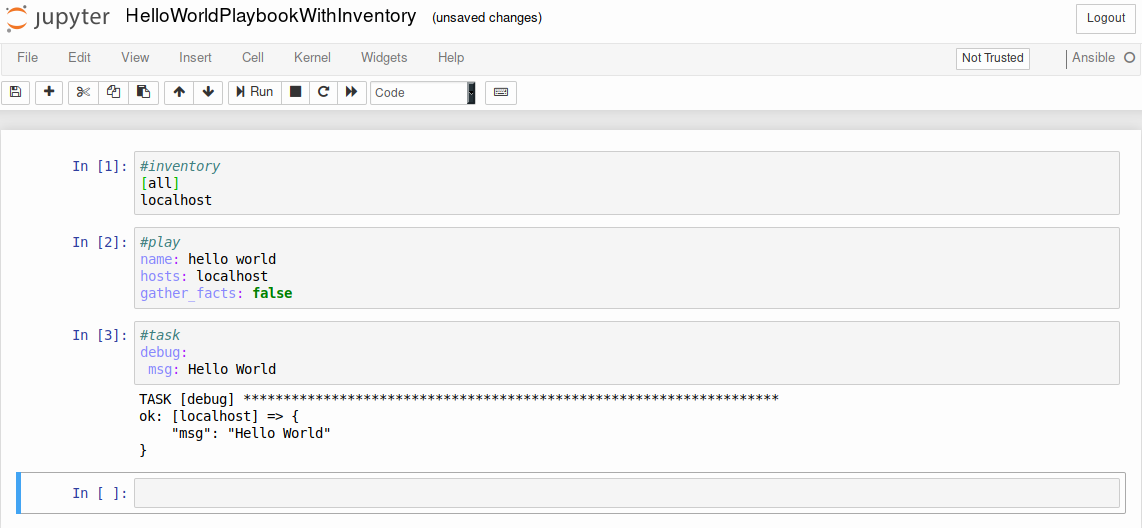
The Ansible Jupyter Kernel adds a kernel backend for Jupyter to interface directly with Ansible and construct plays and tasks and execute them on the fly.
Demo
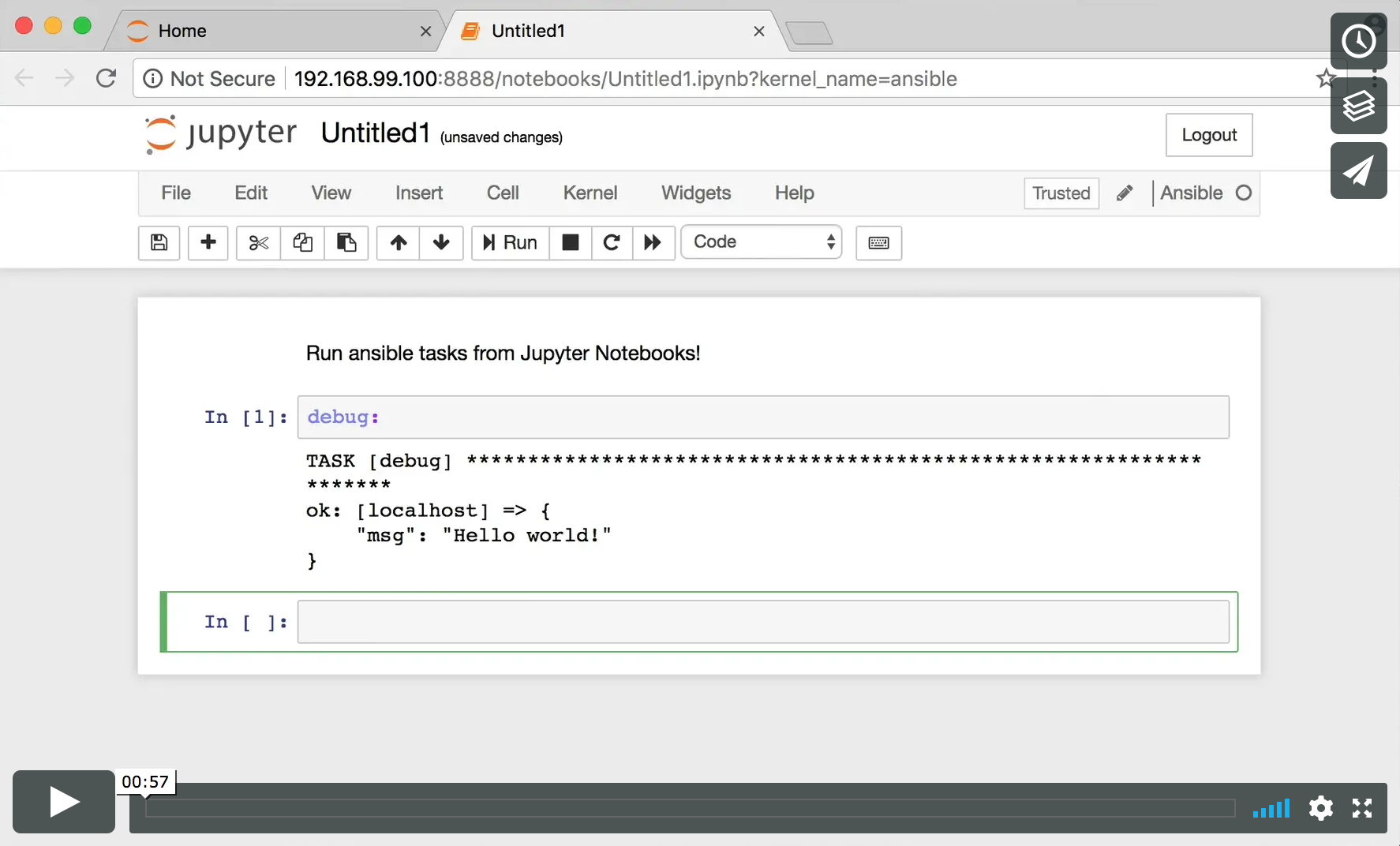
Table of Contents
Installation:
ansible-kernel is available to be installed from pypi but you can also install it locally. The setup package itself will register the kernel
with Jupyter automatically.
From pypi
pip install ansible-kernel
python -m ansible_kernel.install
From a local checkout
pip install -e .
python -m ansible_kernel.install
For Anaconda/Miniconda
pip install ansible-kernel
python -m ansible_kernel.install --sys-prefix
Usage
Local install
    jupyter notebook
    # In the notebook interface, select Ansible from the 'New' menu
Container
docker run -p 8888:8888 benthomasson/ansible-jupyter-kernel

Then copy the URL from the output into your browser:
http://localhost:8888/?token=ABCD1234
Using the Cells
Normally Ansible brings together various components in different files and locations to launch a playbook and performs automation tasks. For this
jupyter interface you need to provide this information in cells by denoting what the cell contains and then finally writing your tasks that will make
use of them. There are Examples available to help you, in this section we'll go over the currently supported cell types.
In order to denote what the cell contains you should prefix it with a pound/hash symbol (#) and the type as listed here as the first line as shown in the examples below.
#inventory
The inventory that your tasks will use
#inventory
[all]
ahost ansible_connection=local
anotherhost examplevar=val
#play
This represents the opening block of a typical Ansible play
#play
name: Hello World
hosts: all
gather_facts: false
#task
This is the default cell type if no type is given for the first line
#task
debug:
#task
shell: cat /tmp/afile
register: output
#host_vars
This takes an argument that represents the hostname. Variables defined in this file will be available in the tasks for that host.
#host_vars Host1
hostname: host1
#group_vars
This takes an argument that represents the group name. Variables defined in this file will be available in the tasks for hosts in that group.
#group_vars BranchOfficeX
gateway: 192.168.1.254
#vars
This takes an argument that represents the filename for use in later cells
#vars example_vars
message: hello vars
#play
name: hello world
hosts: localhost
gather_facts: false
vars_files:
    - example_vars
#template
This takes an argument in order to create a templated file that can be used in later cells
#template hello.j2
{{ message }}
#task
template:
    src: hello.j2
    dest: /tmp/hello
#ansible.cfg
Provides overrides typically found in ansible.cfg
#ansible.cfg
[defaults]
host_key_checking=False
Examples
You can find various example notebooks in the repository
Using the development environment
It's possible to use whatever python development process you feel comfortable with. The repository itself includes mechanisms for using pipenv
pipenv install
...
pipenv shell