mirror of
https://github.com/ozan2003/rfc_reader
synced 2026-09-06 04:06:16 +00:00
No description
- Rust 100%
| Filename | Latest commit message | Latest commit date |
|---|---|---|
 6db9548d22
- Added a maximum response size limit of 50 MiB in `RfcClient` to prevent resource exhaustion. - Refactored terminal size checks in the `App` struct to use frame area instead of terminal size directly. - Improved `TocPanel` to maintain a set of title line numbers for efficient lookup and added bounds checking for navigation. - Updated event handling to ensure proper shutdown signal handling. - Enhanced logging path determination for Linux systems to fall back to local data directory if necessary. - Cleaned up search match collection logic and ensured proper handling of empty states in the ToC panel. |
||
| .cargo | ||
| .github/workflows | ||
| src | ||
| .gitignore | ||
| Cargo.lock | ||
| Cargo.toml | ||
| CHANGELOG.md | ||
| dist-workspace.toml | ||
| LICENSE | ||
| README.md | ||
| rust-toolchain.toml | ||
| rustfmt.toml | ||
RFC Reader







A terminal-based interface for reading IETF RFCs (Request for Comments), enabling you to fetch, cache, and browse them with ease.
Features
- View documents directly in the terminal
- Automatic caching of the documents for offline reading
- Text search functionality within document
- Table of contents navigation
Note
Table of contents section might not always be accurate, as there's no standard way to extract it from RFCs. It works best with RFCs that have a well-defined TOC.
- Keyboard controls
Screenshots
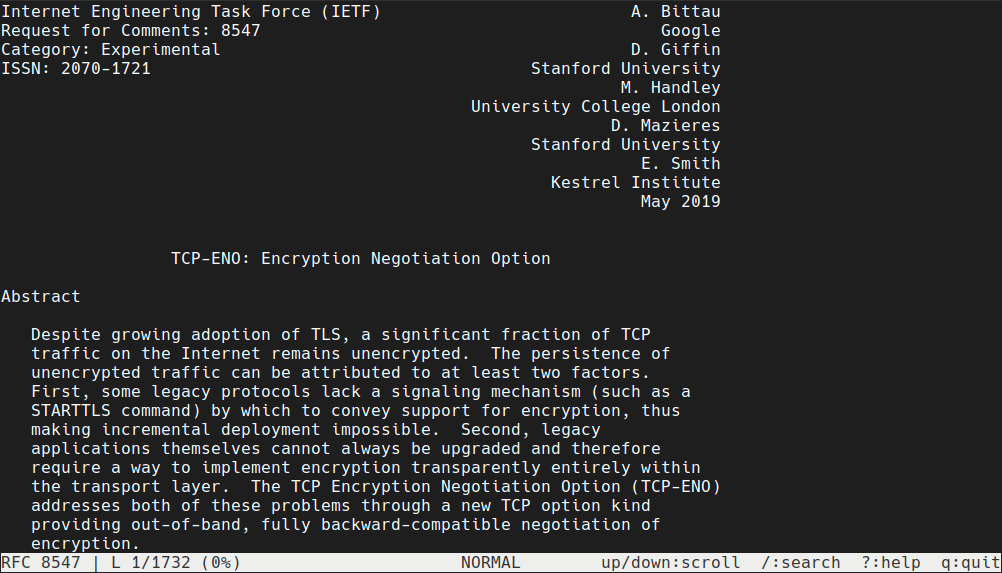
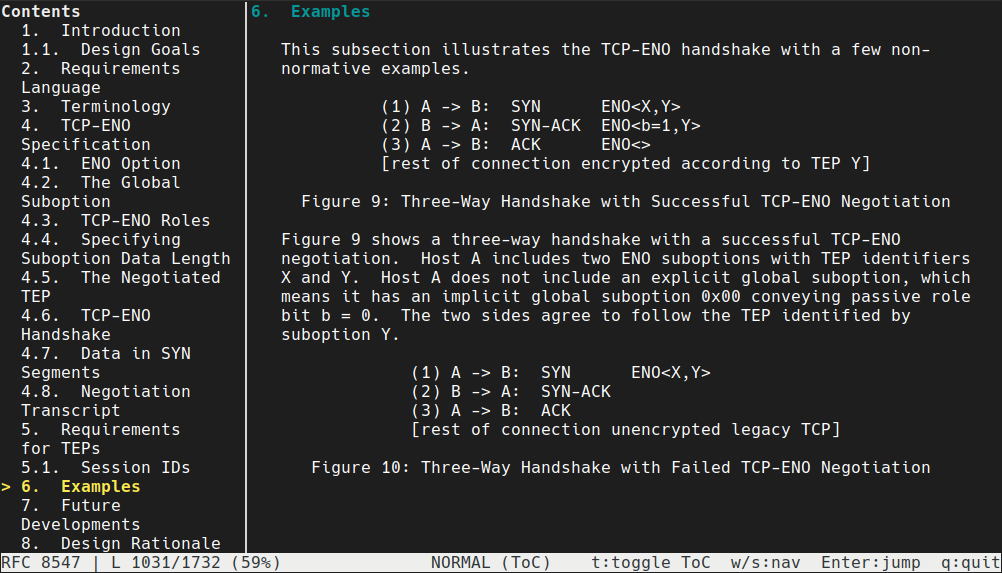
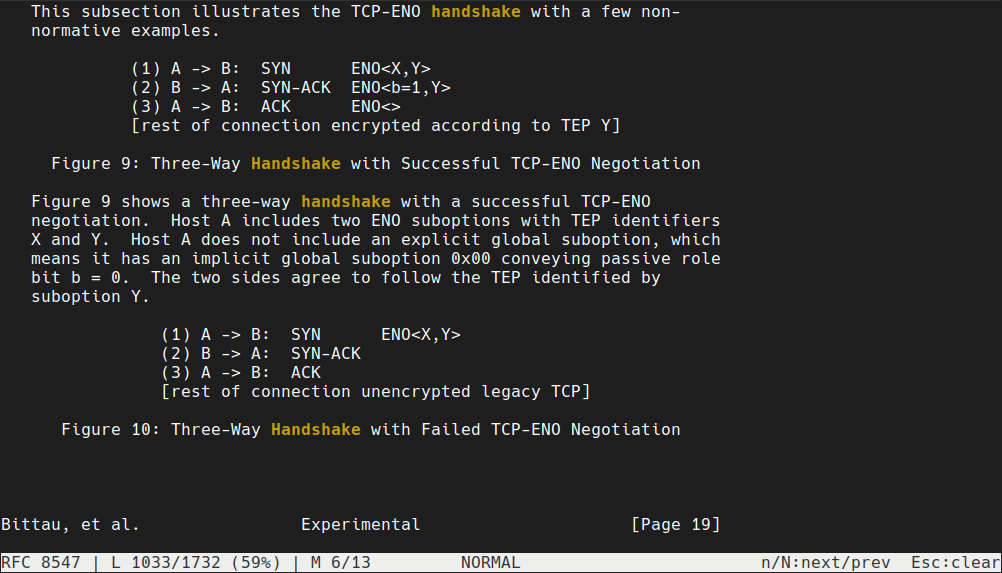
Usage
rfc_reader [OPTIONS] [RFC_NUMBER]
Examples
# Read a specific RFC
rfc_reader 2616

# Read a specific RFC in offline mode (only works if previously cached)
rfc_reader --offline 2616

# Clear the RFC cache
rfc_reader --clear-cache
Options
--offline,-o: Run in offline mode (only load cached RFCs)--clear-cache: Clear the RFC cache
Refer to rfc_reader --help for more options.
Controls
Refer to the wiki for keybindings.
Cache Location
RFCs are cached locally to improve performance and enable offline reading.
Linux:
/home/{YOUR_USERNAME}/.config/rfc_reader
MacOS:
/Users/{YOUR_USERNAME}/Library/Application Support/rfc_reader
Windows:
C:\Users\{YOUR_USERNAME}\AppData\Roaming\rfc_reader\config
Contributing
I don't know very well about contribution/PR stuff. Contact me or create an issue if for any issues or suggestions.
License
This project is licensed under the MIT License. See the LICENSE file for details.